
Table of Contents
- Direct Troubleshooting Answer
- Understand the Equipment
- Before-Startup Operator Checks
- Common Operating Problems
- Noise, Vibration, and Overheating
- Cleaning and Maintenance Checks
- When to Contact Service
Commercial bowl cutter problems are often linked to setup, ingredients, blade condition, electrical supply, cleaning, or operator technique. This guide explains the checks operators can complete safely before requesting technical service.
Direct Troubleshooting Answer
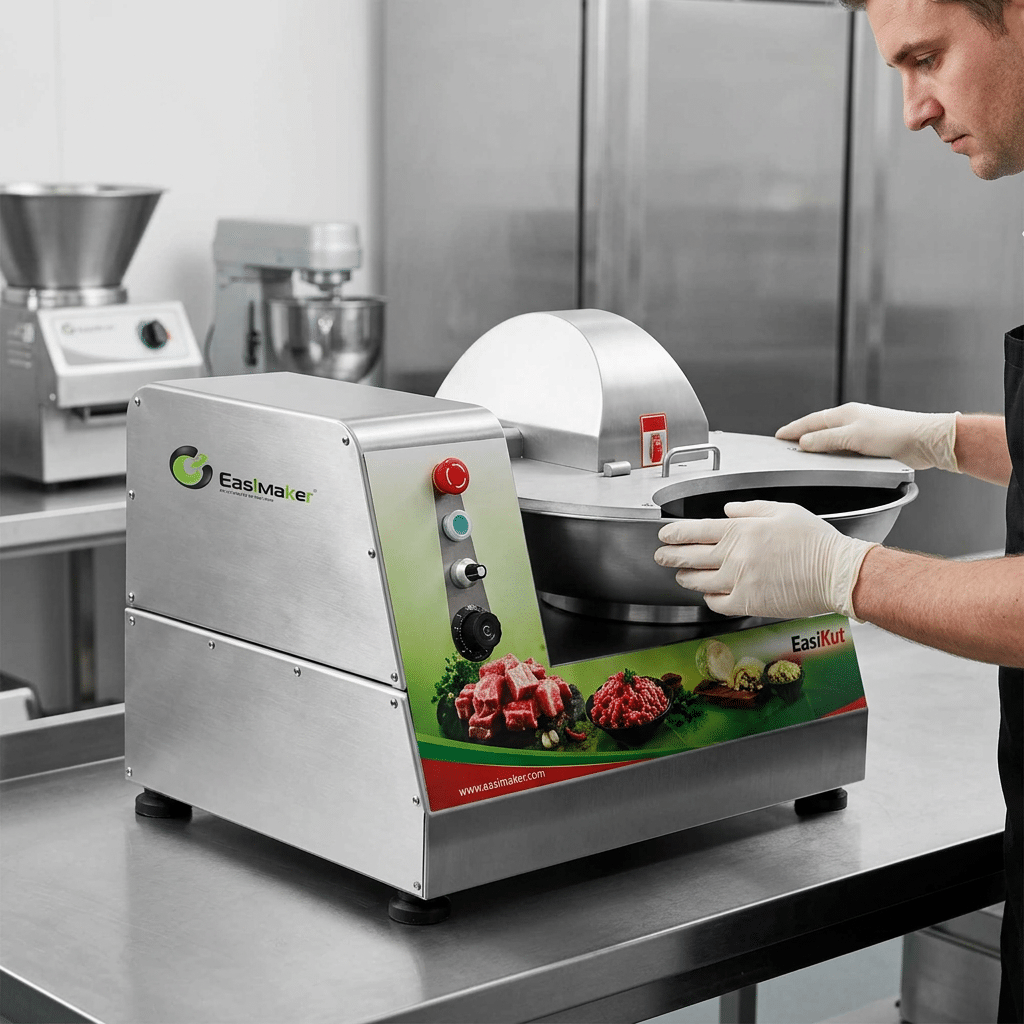
For commercial bowl cutter troubleshooting, start by stopping the machine and isolating the power. Check the basic conditions first: the bowl and cover are correctly positioned, safety interlocks are engaged, the machine is receiving the correct electrical supply, the blades are installed securely, and the ingredients are within the equipment’s intended working range.
If the machine runs but produces uneven texture, inspect the batch size, ingredient temperature, cutting time, blade sharpness, and loading order. If the machine is noisy or vibrates, stop operation and check for an unbalanced load, loose blade assembly, foreign material, poor footing, or damaged components. Do not bypass a safety switch or continue operating when there is burning odour, smoke, exposed wiring, abnormal movement, or repeated circuit trips.
Operators can complete visual, cleaning, loading, and setup checks. Electrical repairs, motor work, damaged guards, safety switch faults, and bearing or drive problems should be handled by qualified service personnel or the manufacturer.
Understand the Equipment
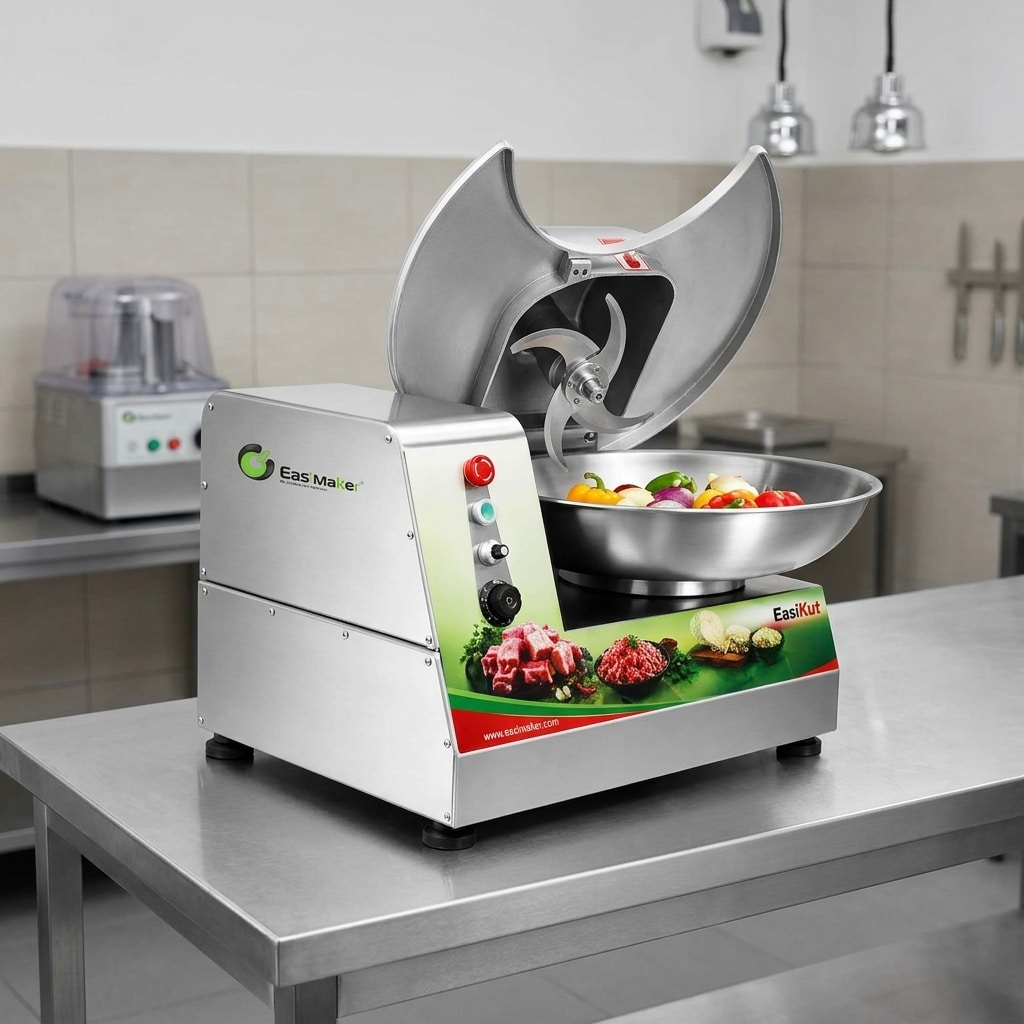
A commercial bowl cutter is a food processing machine that uses rotating knives and a rotating or driven bowl to chop, mince, mix, or emulsify selected ingredients. It is commonly used for meat mixtures, sausage preparation, fillings, seasonings, vegetables, and other prepared-food applications. The exact result depends on the machine design, blade arrangement, ingredient condition, batch size, processing time, and operator settings.
A bowl cutter is different from a general food processor because it is designed around controlled cutting and mixing in a production workflow. Before diagnosing a problem, confirm that the machine is suitable for the product being processed. The guide what a commercial bowl cutter can process can help operators compare suitable applications with ingredients that may require another machine.
For kitchens deciding between equipment types, review bowl cutter versus food processor. Choosing the wrong equipment for the material can appear to be a machine fault when the real issue is an unsuitable process.
Before-Startup Operator Checks
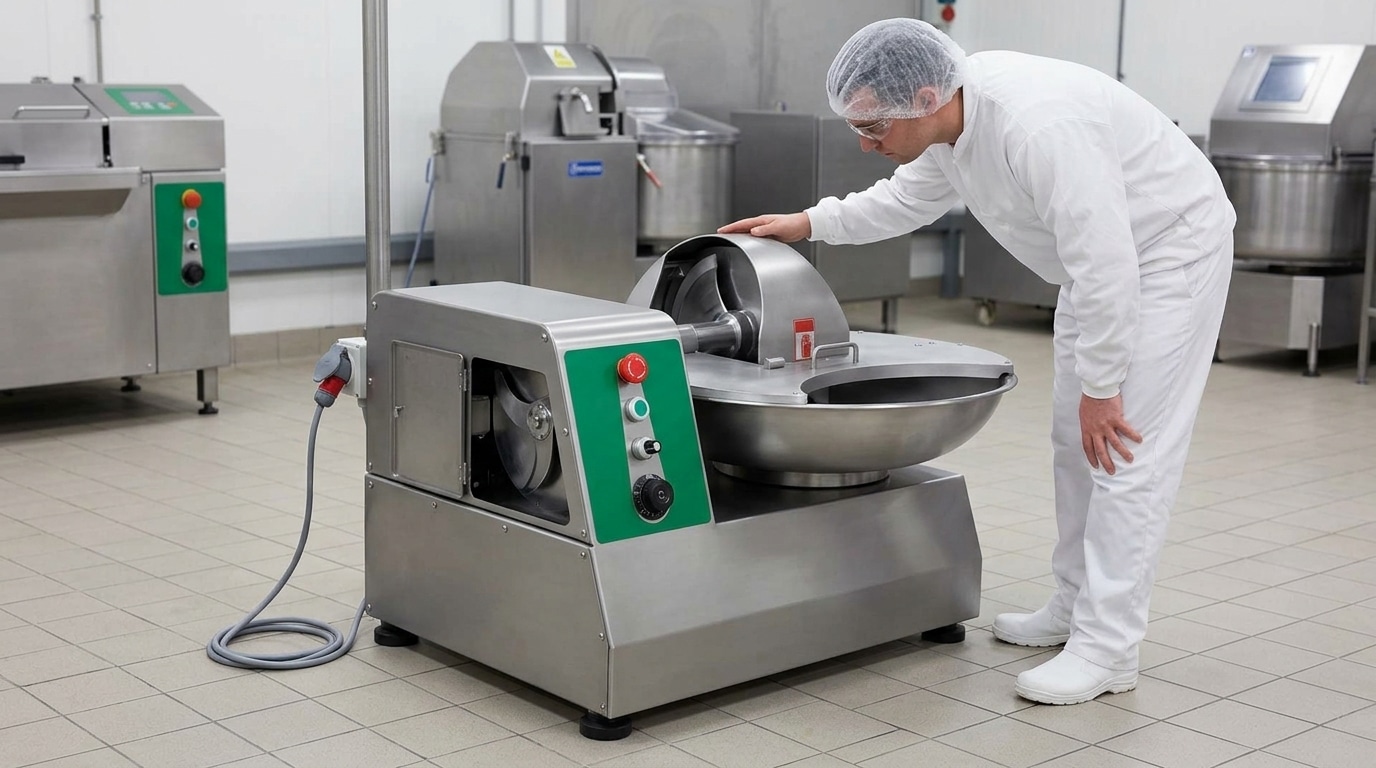
A consistent pre-start inspection prevents many avoidable stoppages. The operator should complete the checks at the beginning of each shift and whenever the machine has been moved, cleaned, or reassembled.
Check the work area
- Place the machine on a stable, level surface with enough clearance for loading, unloading, cleaning, and service access.
- Keep the floor dry and remove loose tools, packaging, and other objects from around the machine.
- Confirm that the power cable, plug, isolator, and socket are undamaged and suitable for the machine’s required supply.
Check the bowl, cover, and safety systems
- Make sure the bowl is seated correctly and can rotate or operate without obstruction.
- Confirm that the cover, guard, and access panels are closed and secured.
- Test the normal start and stop controls according to the manufacturer’s instructions.
- Never tape down, remove, or bypass an interlock or guard to keep production moving.
Check the blade assembly
- Inspect the knives for damage, cracks, excessive wear, or food residue.
- Confirm that the blade assembly and retaining hardware are fitted correctly and securely.
- Use the specified tools and isolation procedure when removing or installing blades.
Check the ingredients
- Remove bones, hard foreign material, packaging, and unsuitable pieces before loading.
- Keep the batch within the machine’s stated working capacity. Do not assume that a physically full bowl is a suitable production load.
- Use a consistent ingredient size and loading sequence so that the knives can work evenly.
Common Operating Problems
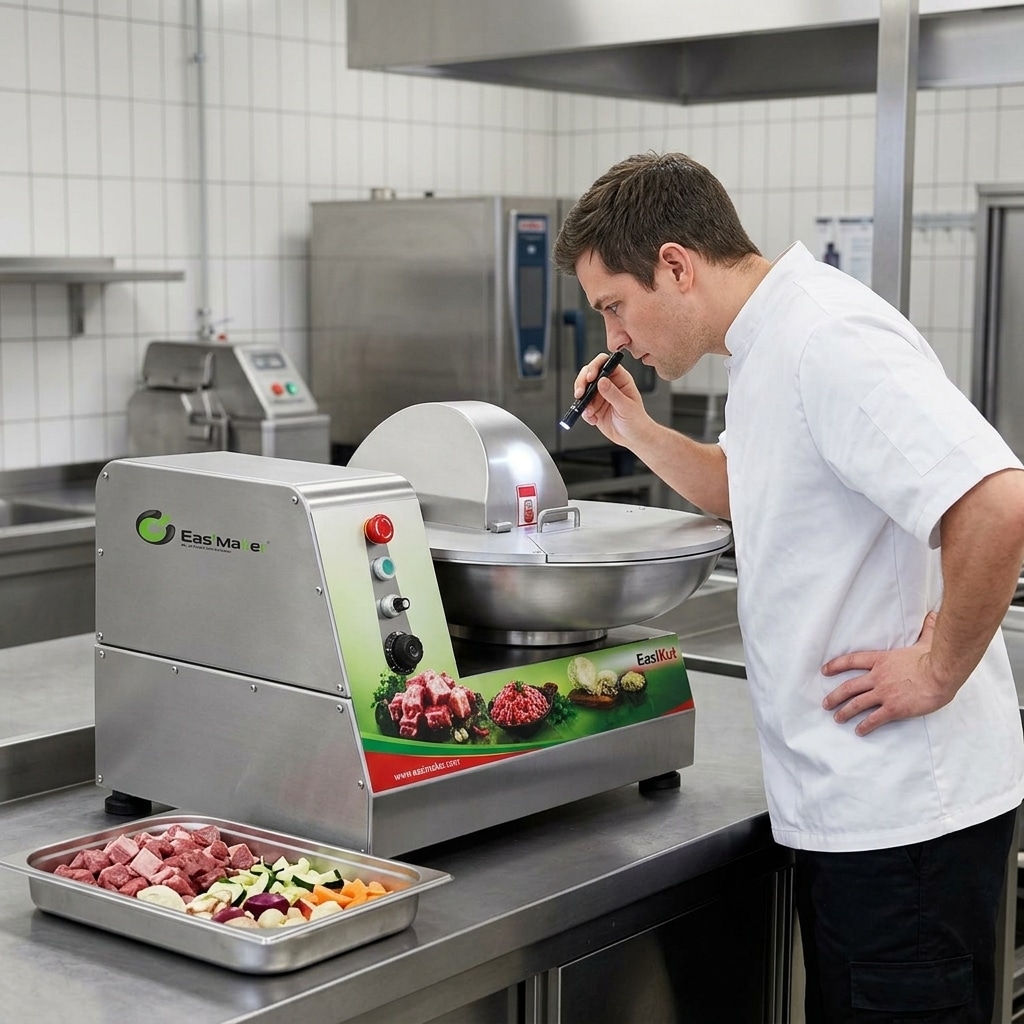
The machine does not start
First check whether the machine is receiving power and whether the local isolator, plug, socket, or circuit protection has operated. Then check that the bowl, lid, and access points are correctly positioned. Many commercial machines will not start when a safety condition is open. Check the emergency stop control and reset it only after confirming that the work area is safe.
If the power supply is present and the machine still does not start, do not repeatedly cycle the controls or open the electrical cabinet. Record the symptoms and contact qualified service personnel. A failed switch, interlock, control component, or motor protection device requires a controlled diagnosis.
The bowl or blades do not rotate correctly
Stop the machine, isolate the power, and remove the product only when it is safe to do so. Look for an overloaded batch, a foreign object, product packed around the blade, or an incorrectly fitted blade assembly. Do not reach into the bowl while components can move. If the machine hums without turning, trips protection, or starts and stops repeatedly, the cause may be electrical or mechanical and should be escalated.
The product is uneven
Uneven chopping often results from inconsistent ingredient size, an overloaded bowl, insufficient processing time, a dull or damaged knife, or an unsuitable loading sequence. Check whether the product is distributed evenly and whether the batch is too large for the process. Use repeatable ingredient preparation and record the operating sequence that produces the required texture. Avoid extending processing time without checking product temperature and machine loading.
The product is too fine or becomes a paste
Reduce processing time or use a more suitable cycle if the equipment and recipe allow it. Excessive cutting can change the intended texture. Ingredient temperature, fat condition, moisture, and loading order also affect the result, so operators should change one process variable at a time and record the outcome. If the same settings produce a sudden change, inspect blade condition and bowl movement before changing the recipe.
The mixture is not combining properly
Confirm that the batch size is sufficient for the machine to move the ingredients through the cutting zone, while remaining within the permitted load. Check the loading order and allow the machine to stop before adding ingredients unless the manufacturer’s operating instructions specifically permit another method. Persistent poor mixing may indicate incorrect blade installation, restricted bowl movement, or a component fault.
Noise, Vibration, and Overheating
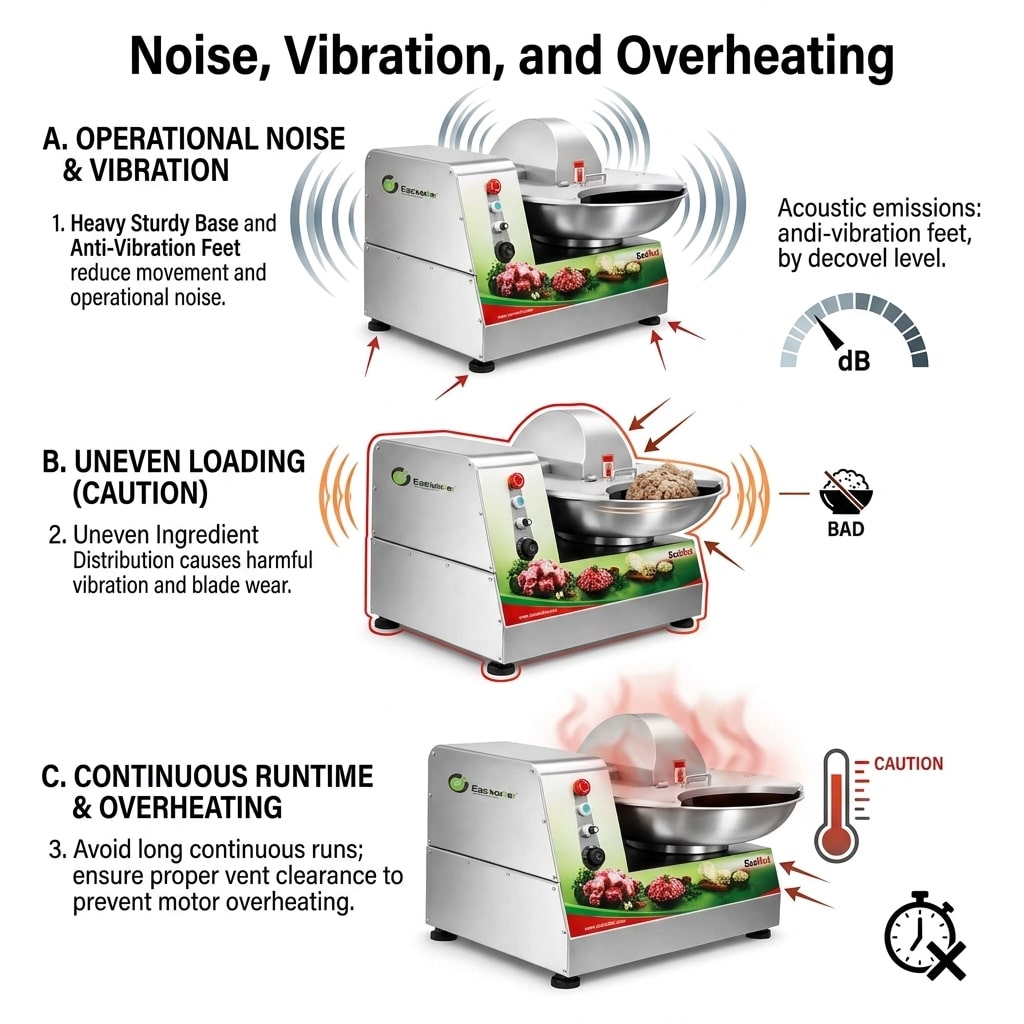
Abnormal noise
Unusual scraping, knocking, squealing, or grinding is a stop condition. Isolate the machine before inspecting it. Check for loose hardware, material trapped near moving parts, an incorrectly fitted blade, contact between the bowl and a fixed component, or a damaged guard. Do not operate the machine to listen for the fault with the cover removed.
Normal operating sound varies by model and product. A new sound, a sound that changes with load, or noise accompanied by vibration should be recorded and reported. A service technician may need to inspect the drive, bearings, coupling, blade shaft, or other internal parts.
Excessive vibration
Check that the machine is level and stable. Then inspect the batch for uneven distribution, oversized pieces, foreign material, or a blade assembly that is not seated correctly. Confirm that the bowl and cover are correctly installed. If vibration remains after the load is removed, stop using the equipment until the cause is identified.
Motor or machine overheating
Overheating can be associated with excessive loading, extended continuous operation, restricted ventilation, high ambient temperature, incorrect electrical supply, or a mechanical problem. Allow the machine to stop and cool according to the manufacturer’s instructions. Check that ventilation openings are clear and that the processing cycle matches the equipment’s intended duty. Do not keep resetting thermal protection without investigating why it operated.
Burning smell, smoke, melted insulation, discoloured wiring, or repeated overheating requires immediate isolation and professional inspection. Operators should not continue production to determine whether the problem clears by itself.
Cleaning and Maintenance Checks
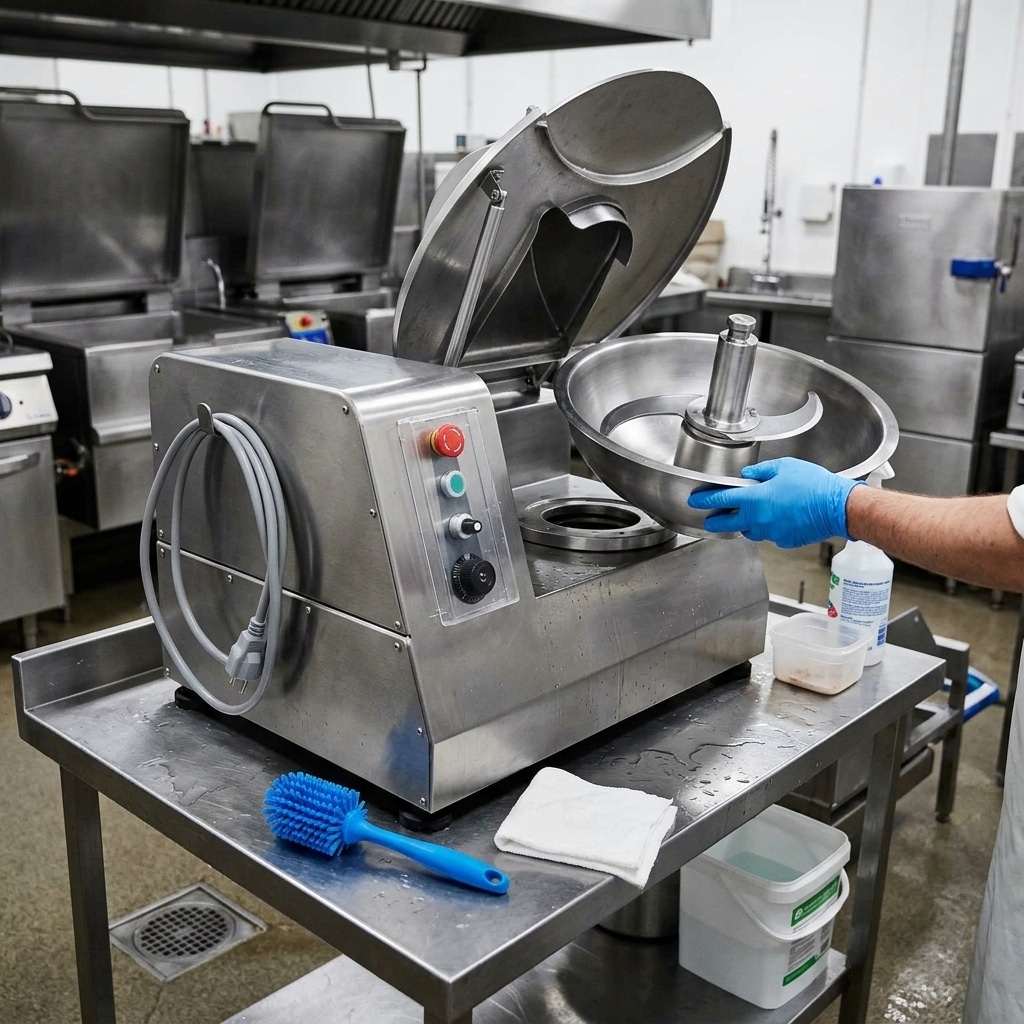
Cleaning problems can become operating problems. Food residue around the bowl, blade assembly, seals, covers, and discharge areas may restrict movement, affect hygiene, contribute to odour, or make it harder to identify damage.
Follow the machine manual for the approved cleaning method, chemical compatibility, water exposure, and component removal procedure. Before cleaning, stop the machine, isolate the electrical supply, and wait for all movement to cease. Use appropriate protective equipment when handling sharp blades and cleaning chemicals. Keep electrical controls, motors, and other non-washable components protected from water.
After cleaning, inspect the blade area and bowl for cracks, chips, corrosion, loose fasteners, and trapped residue. Check that removable parts are dry and correctly reinstalled before the next batch. Do not use a damaged knife or guard. A clean machine also makes it easier to notice changes in wear, alignment, and component condition.
For broader food-processing workflow guidance, the article on designing a hygienic food workstation explains practical principles such as cleanable surfaces, separation of raw and finished product areas, and safe access around equipment.
Keep a simple maintenance record. Note the date, operator, product, batch conditions, unusual sounds, cleaning completed, blade inspection result, and any service request. This information helps distinguish a one-off loading issue from a recurring mechanical or electrical fault.
When to Contact Service
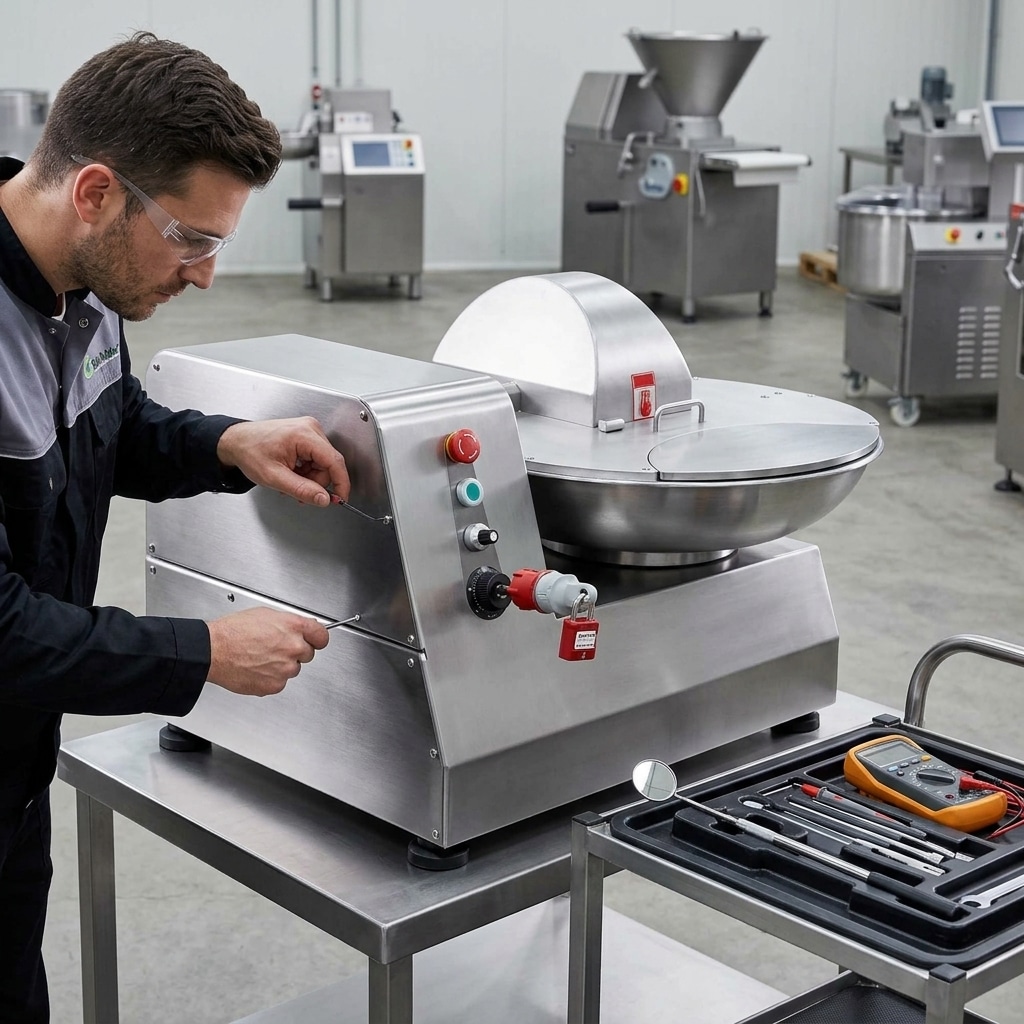
Stop troubleshooting at the operator level when the issue involves electrical components, internal wiring, the motor, drive system, bearings, shaft alignment, safety interlocks, structural damage, or repeated protection trips. These faults can create safety risks and may worsen if the machine is operated without a proper diagnosis.
Contact the manufacturer, distributor, or qualified technician when:
- The machine will not start after basic power and safety-position checks.
- The motor hums, trips the circuit, overheats, or gives off a burning smell.
- The blade shaft, bowl, or drive shows abnormal movement or vibration.
- A guard, lid, interlock, emergency stop, or control does not work correctly.
- The machine leaks, has damaged seals, or shows cracks or deformation.
- The same texture or production problem returns after loading and blade checks.
Before requesting assistance, prepare the model and serial information, electrical supply, product being processed, approximate batch conditions, operating sequence, cleaning history, and a clear description of what happened. Photos or short videos can help show the position of the blade, bowl, guard, or damaged component, provided they are taken with the machine stopped and isolated.
Do not modify the machine, substitute unknown parts, or change electrical components without confirming compatibility with the manufacturer. Correct spare parts and documented service procedures protect both equipment reliability and operator safety.