
Table of Contents
- The short answer
- Understand roller settings before adjustment
- Checks to complete before changing settings
- Symptoms, likely causes, and first actions
- A controlled adjustment process
- When not to adjust the rollers
- Build roller checks into daily control
Before changing a sugarcane juicer roller gap or pressure setting, rule out cane preparation, residue buildup, roller wear, alignment issues, and drive faults. Adjust only where the machine manual permits it, and document every approved change.
The short answer
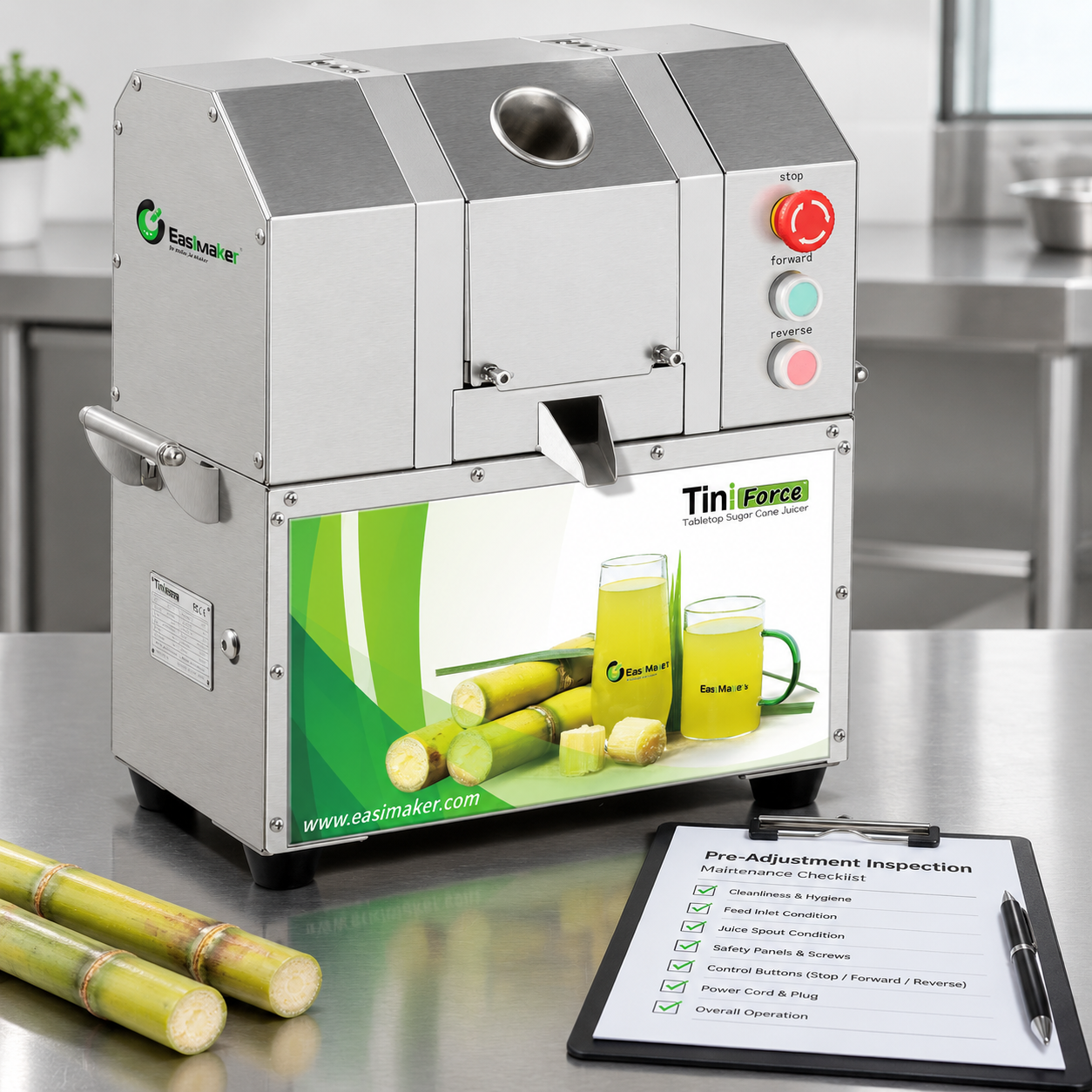
Do not start with a sugarcane juicer roller adjustment simply because extraction appears weak or bagasse looks wet. First isolate the machine safely and check the cane condition, feed method, roller cleanliness, visible wear, roller alignment, guards, and drive behaviour. On many commercial machines, roller gap or pressure is factory-set or may only be changed by an authorised technician. Follow the model-specific manual rather than applying a general setting.
If an approved adjustment is available, make one small, documented change at a time and test with comparable prepared cane. A roller setting that is too tight can increase load, worsen feeding, accelerate wear, or contribute to jams. A setting that is too loose may reduce compression and lead to inconsistent extraction.
Understand roller settings before adjustment
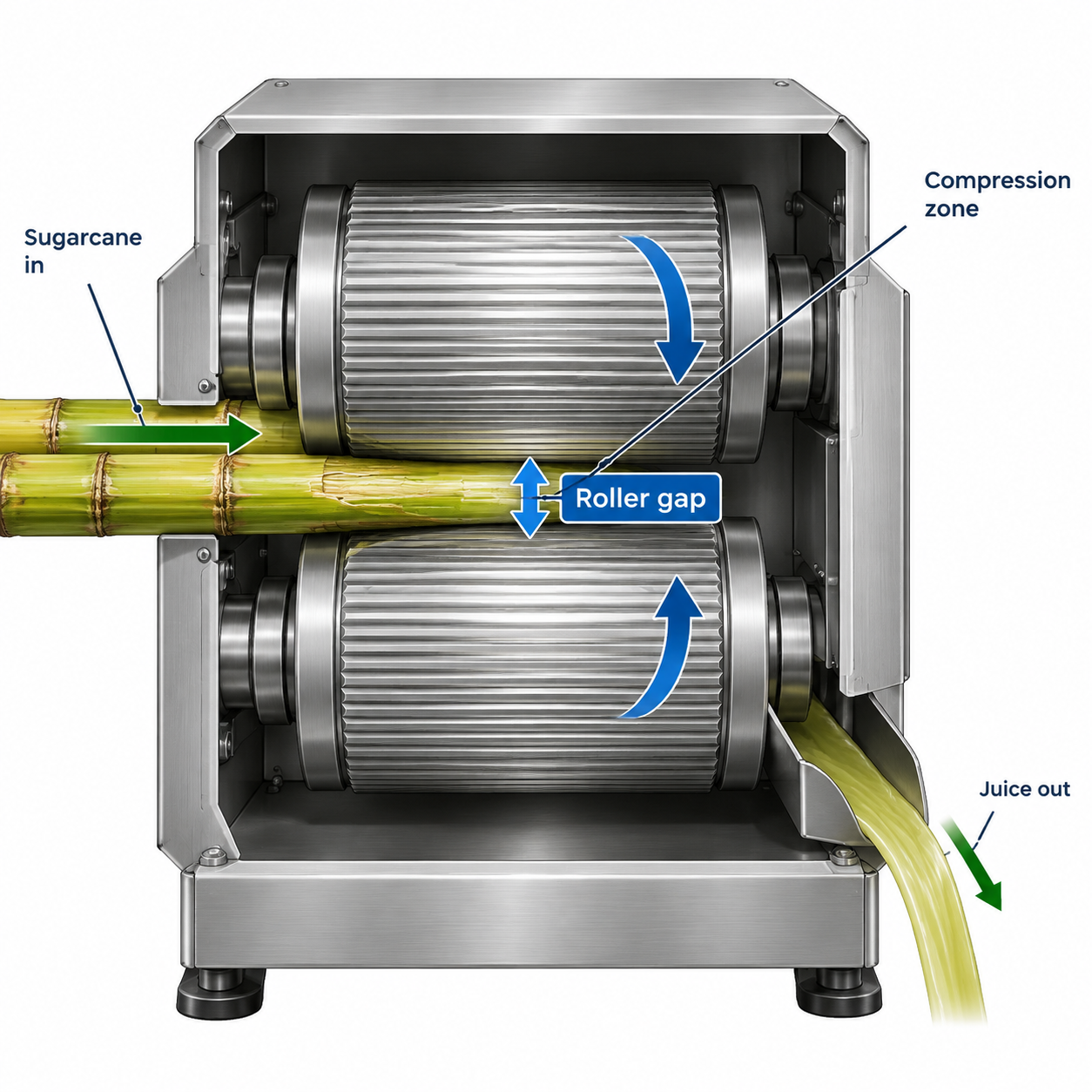
Commercial sugarcane juicers use powered rollers to grip, compress, and move cane through the extraction path. The relationship between the rollers is often described as a sugarcane machine roller gap. In equipment designed with an approved adjustment mechanism, changing that relationship can affect compression and feeding resistance.
However, “more pressure” is not automatically better. Roller geometry, surface condition, motor and gearbox capability, cane diameter, and the machine’s intended feed path work together. A sugarcane juicer pressure adjustment made without confirming these factors can conceal the real problem instead of solving it.
Operators should also distinguish between an adjustment point and a service point. A visible bolt, nut, spring, or fastener is not necessarily intended for daily adjustment. It may secure alignment, guarding, bearings, or another critical assembly. Do not loosen components unless the operating manual specifically identifies their function and adjustment method.
Checks to complete before changing roller settings
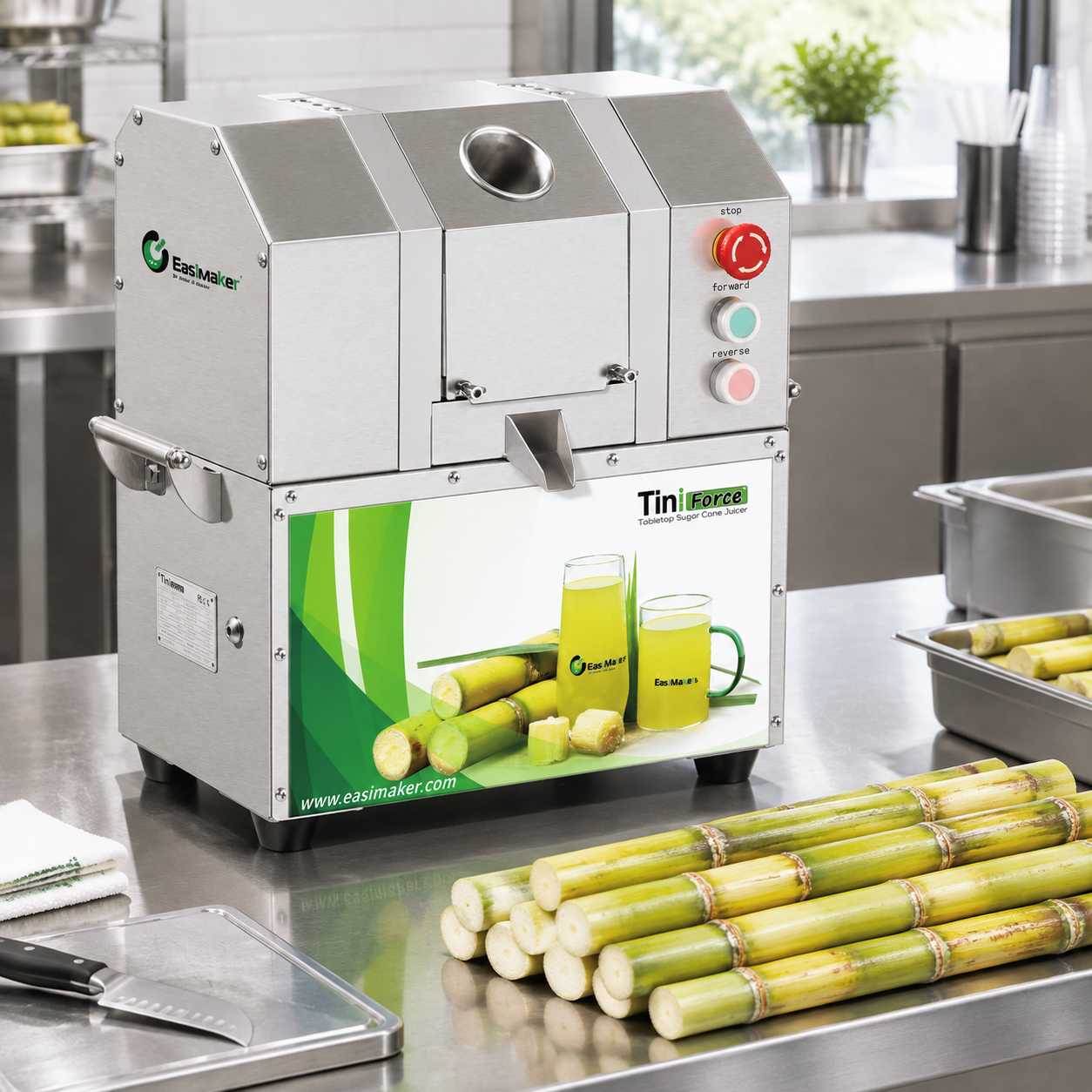
Use the following checks to determine whether a setting change is justified. Complete them with the machine switched off, disconnected from power, and secured against unintended starting. Keep guards in place unless the manual provides a safe inspection procedure.
1. Confirm that the cane is suitable and consistently prepared
Variation in cane is a common cause of variable results. Compare cane diameter, hardness, dryness, age, cut length, and surface cleanliness. Very thick, bent, damaged, or unusually dry cane can feed differently from straight, fresh, evenly cut stalks. Remove soil and loose debris, and prepare stalks to suit the machine’s stated feed opening and operating instructions.
2. Check feeding practice
Feed cane straight and steadily through the designated inlet. Do not force multiple pieces together unless the manufacturer permits it. Side loading, abrupt pushing, and trying to feed oversized cane can make a normal roller setting appear faulty. Record whether uneven extraction occurs with all operators or only during a particular shift or feed technique.
3. Inspect for residue buildup
Fibres, dried juice, and debris around accessible roller surfaces, scrapers, drainage areas, or discharge paths can interfere with smooth handling. Clean the machine using the approved procedure, then retest before changing settings. A consistent cleaning routine is part of mechanical control, not only hygiene.
4. Look for visible wear or damage
With the power isolated, inspect accessible roller surfaces for uneven wear, scoring, corrosion, looseness, missing fasteners, or damage. Also examine scrapers, seals, accessible bearings, guards, and the bagasse exit route. If a roller appears uneven, a setting change may not restore correct operation; the machine may require inspection or replacement parts.
5. Observe drive symptoms during normal operation
After reassembling safely, listen for abnormal noise and observe whether the machine hesitates, stalls, vibrates, or runs inconsistently under normal feeding. These symptoms can point to a drive, gearbox, electrical, alignment, or obstruction issue rather than an incorrect roller gap. Stop operation if there is abnormal noise, movement, overheating smell, or repeated jamming.
Symptoms, likely causes, and first actions
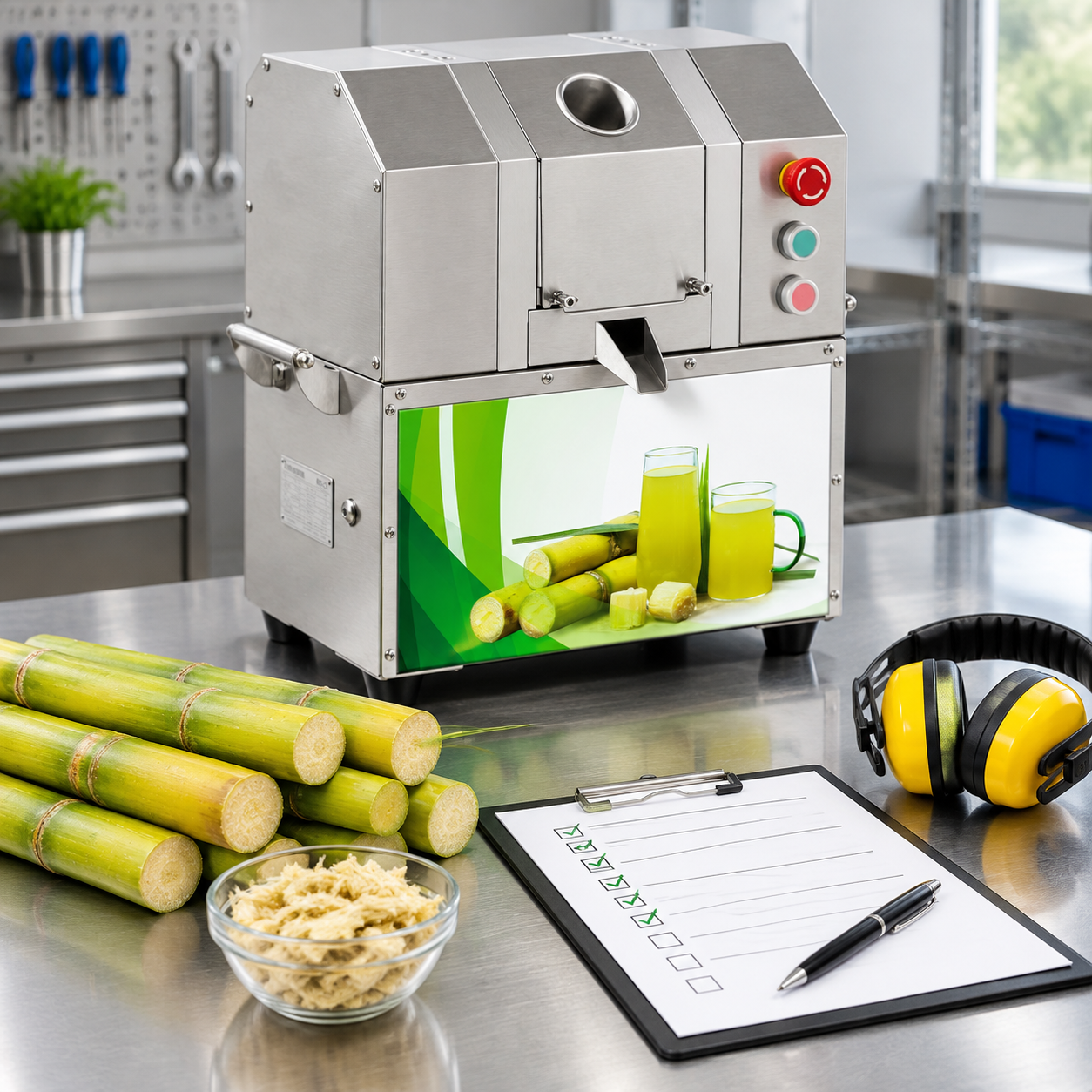
The table below helps operators separate a possible roller-setting issue from other common causes. It is a first-check tool, not a substitute for the machine manual or qualified technical service.
| Observed symptom | Possible cause to check first | First action | Should rollers be adjusted immediately? |
|---|---|---|---|
| Bagasse seems wetter than usual | Cane condition, inconsistent feed, residue buildup, roller wear, or an approved setting issue | Clean, use comparable prepared cane, and repeat a controlled test | No |
| Sugarcane machine uneven juice extraction | Mixed cane sizes, bent stalks, side loading, uneven roller wear, or misalignment | Standardise preparation and inspect accessible roller surfaces | No |
| Cane slips instead of pulling through | Wet or smooth cane surface, residue, worn roller surface, or feed technique | Clean and inspect; verify the correct feed method | No |
| Machine slows, strains, or jams | Oversized cane, blocked discharge, over-tight condition, drive problem, or foreign material | Stop, isolate power, clear only as instructed, and inspect | No |
| One side appears to compress differently | Roller alignment, bearing condition, structural damage, or incorrect assembly after cleaning | Remove from service and seek technical assessment | No |
| Stable poor extraction after all checks | Approved setting may need verification; wear or drive condition may also be involved | Refer to the manual or support instructions | Only if authorised |
A controlled process for an approved roller adjustment
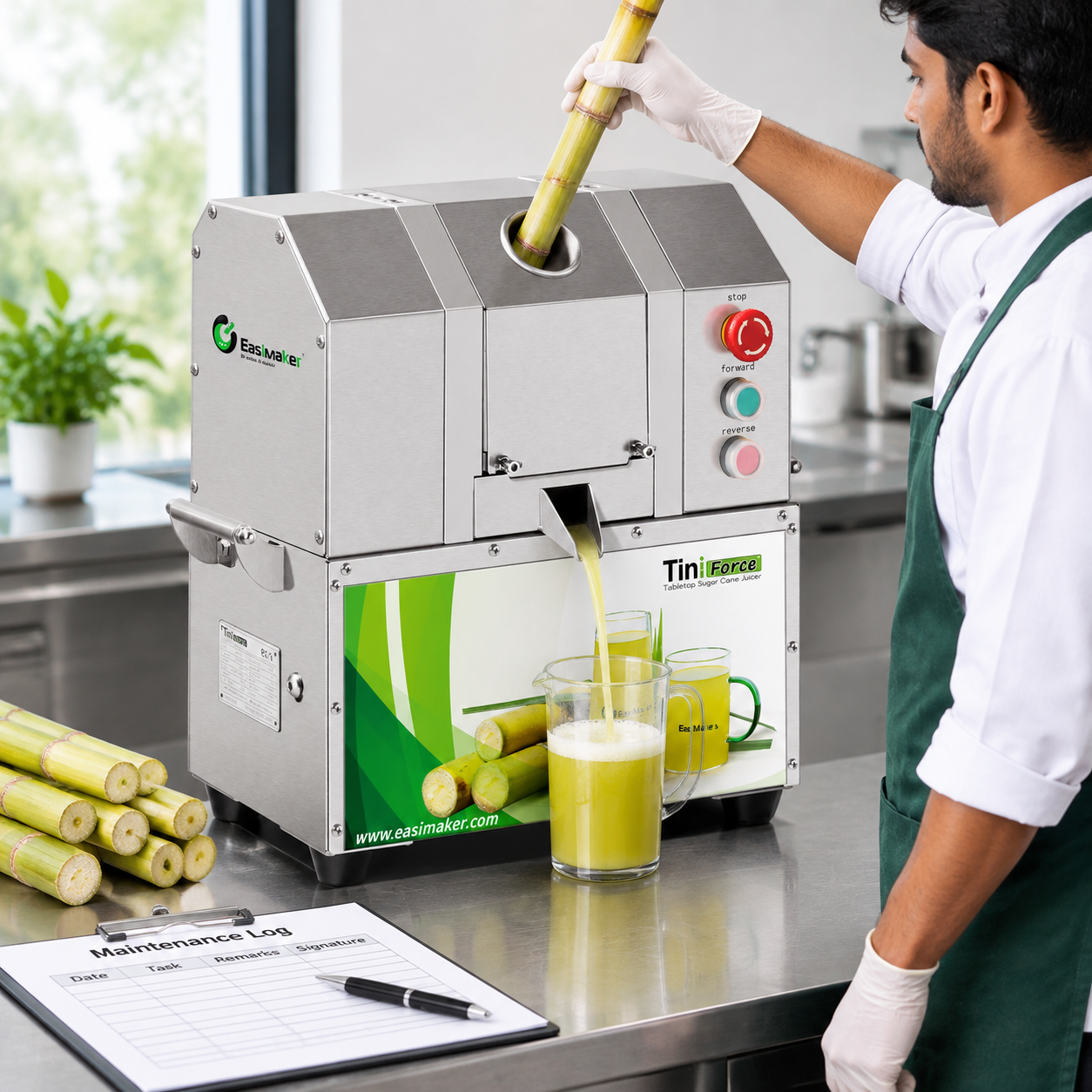
Only use this process if your machine documentation explicitly permits operator adjustment and identifies the correct adjustment point. If the manual is unavailable, unclear, or inconsistent with the machine in front of you, pause and request support.
- Record the baseline. Note the date, machine identification, cane type, symptoms, cleaning status, and current approved setting reference where applicable.
- Isolate power. Switch off, disconnect the supply, and prevent unintended restarting before touching any internal or guarded area.
- Use the specified method. Follow the manual for tool type, adjustment direction, increment, and any requirement to keep both sides equal. Do not estimate a setting by eye if a measurement method is specified.
- Make one small change only. Do not change roller setting, feed method, cane preparation, and cleaning condition at the same time. A single change makes the test result easier to interpret.
- Reassemble and verify safety. Refit all guards and panels, confirm fasteners are secure, and ensure the juice outlet and bagasse route are clear.
- Test with comparable cane. Process a small, consistent test batch under normal operating conditions. Observe feeding smoothness, noise, vibration, discharge, and extraction consistency.
- Document the result. If the result does not improve or new symptoms appear, return to the documented baseline only where the manual allows, then arrange technical support.
Never reach into a feed opening, roller path, or discharge area to correct feeding while the machine is energised. Use only the tools, clearing method, and access steps specified for the equipment.
When not to adjust the rollers
Take the machine out of service and seek qualified assistance when any of the following conditions are present:
- Grinding, knocking, repeated abnormal noise, or severe vibration.
- A roller appears loose, visibly uneven, damaged, or difficult to turn during an approved inspection.
- The machine repeatedly jams with correctly prepared cane and a clear discharge route.
- One side of the roller assembly appears to contact or compress differently from the other.
- There is evidence of a damaged guard, loose mounting, leaking component, electrical fault, or burning smell.
- The machine manual does not authorise adjustment, or the specified tools and measurement procedure are unavailable.
In these cases, increasing compression can place additional load on components that are already worn or misaligned. Accurate fault diagnosis is safer and usually more cost-effective than repeated trial adjustments. Keep the model, serial number, photos of the issue, and a short record of operating conditions ready when requesting support.
Build roller checks into daily operating control
The best way to reduce unnecessary sugarcane juicer roller adjustment is to establish repeatable daily conditions. Use the same cane preparation standard, train staff on straight and steady feeding, clean accessible food-contact and residue areas after service, and record unusual noise or performance changes early.
For a simple shift record, include: cane delivery condition, cleaning completion, operator name, abnormal symptoms, any approved setting reference, and maintenance action taken. This history helps managers see whether a sugarcane machine uneven juice extraction issue follows a certain cane batch, shift pattern, cleaning gap, or machine condition.
Commercial equipment should be selected and operated around the actual workflow, including cane size, service volume, cleaning access, staff capability, electrical supply, and local support arrangements. Roller adjustment is only one part of reliable extraction performance.
FAQ
Can I tighten my sugarcane juicer rollers to get more juice?
Only if the machine manual specifically permits roller adjustment and provides the method. Tightening rollers without checking cane condition, cleanliness, wear, alignment, and drive performance can increase load and create feeding or jamming problems. Make only small approved changes and test with comparable cane.
Why is my sugarcane machine producing uneven juice extraction?
Uneven extraction can result from variable cane diameter or dryness, bent stalks, inconsistent feeding, residue buildup, worn roller surfaces, blocked discharge, or alignment and drive issues. Standardise cane preparation and complete cleaning and inspection checks before treating the roller gap as the cause.
How do I know whether my sugarcane machine roller gap is wrong?
A roller-gap issue should only be considered after repeatable tests with comparable cane show persistent performance problems and other causes have been checked. Refer to the machine manual for the approved setting reference. A visible bolt or nut should not be treated as an adjustment point without documentation.
Should operators adjust rollers during a busy service period?
No. Roller adjustment should be a planned, controlled maintenance action where permitted. Isolate power, use the documented procedure, refit guards, and test safely with a small batch. Do not make undocumented changes during active service.
What information should I provide when asking for technical support?
Provide the machine model and serial number, photos or video of the symptom where safe to obtain, cane type and preparation details, cleaning status, operating sound or vibration observations, and any previous approved adjustment record. This information helps support teams assess the issue efficiently.
Need help assessing extraction performance?
If your operation has persistent extraction inconsistency, discuss your cane type, workflow, machine model, and observed symptoms with the Easimaker team. We can help you identify the right questions for safe operation, maintenance planning, and equipment support.